
Download and Install
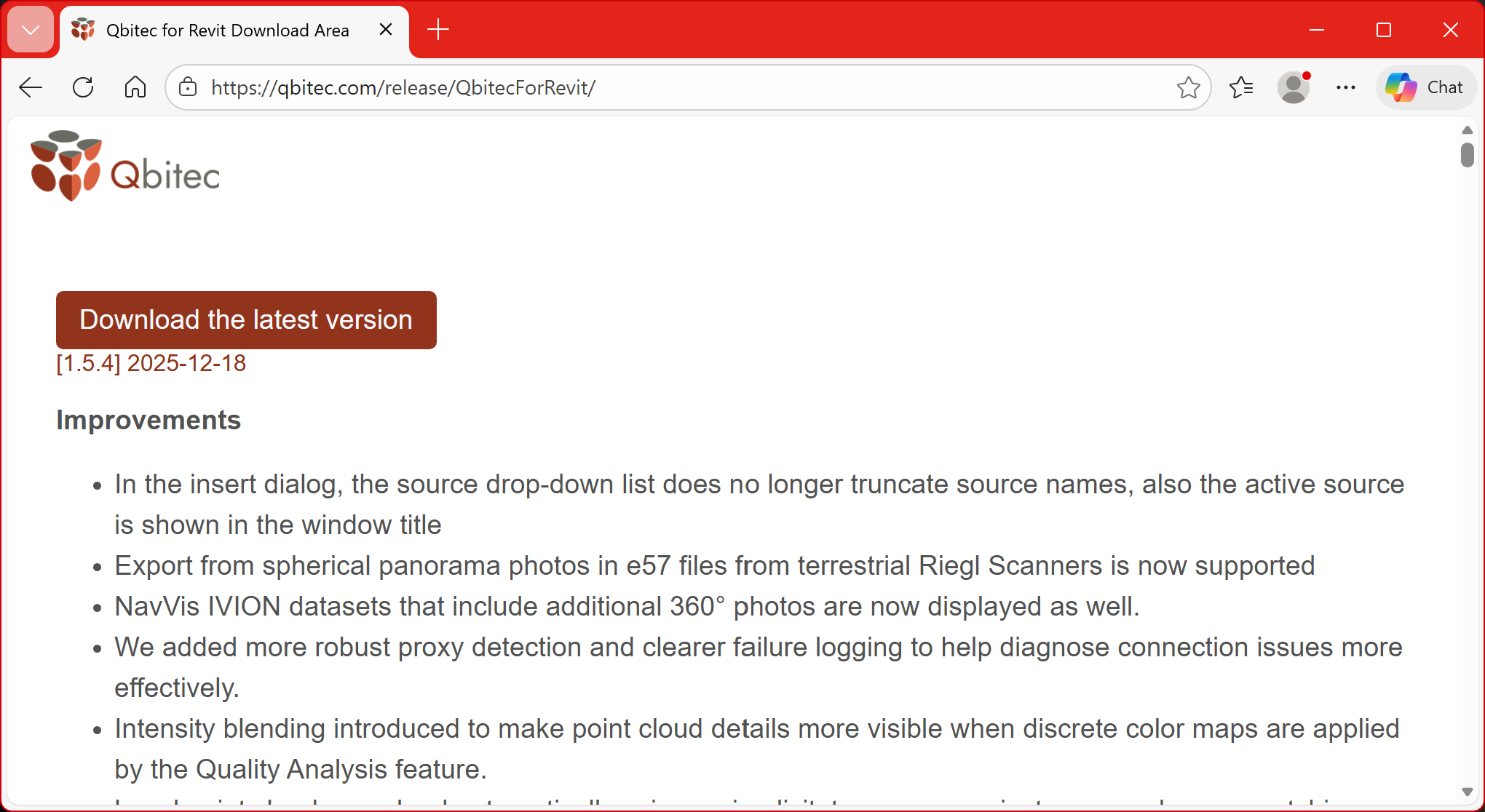
The installer for the newest version of the Qbitec for Revit plugin can be downloaded from here: Qbitec for Revit Download Area
Click on the red button to start the download.
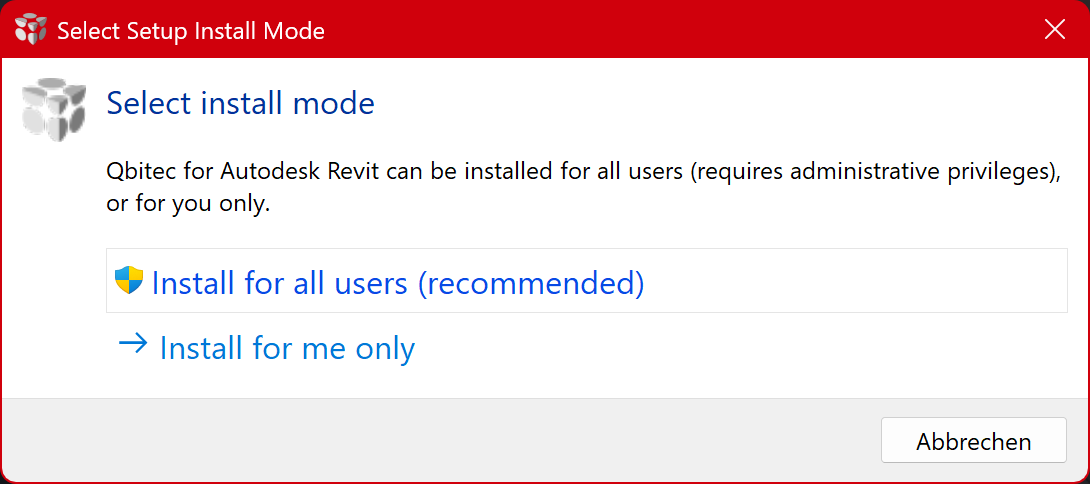
After starting the installer you musthave to decide if you want to install the plugin only for the currently logged-in Windows user or for all users on the PC. Installing for all users requires administrative privileges and is the recommended way. However, it is also possible to install the plugin only for the current user, which might come handy e.g. if you just want to test the plugin for yourself.
Silent installation:
For all users (as admin): .\qbitecSetup-1.5.5.exe /ALLUSERS /VERYSILENT
For current user only (normal console): .\qbitecSetup-1.5.5.exe /CURRENTUSER /VERYSILENT
Converter only installation:
.\qbitecSetup-1.5.5.exe /CONVERTERONLY