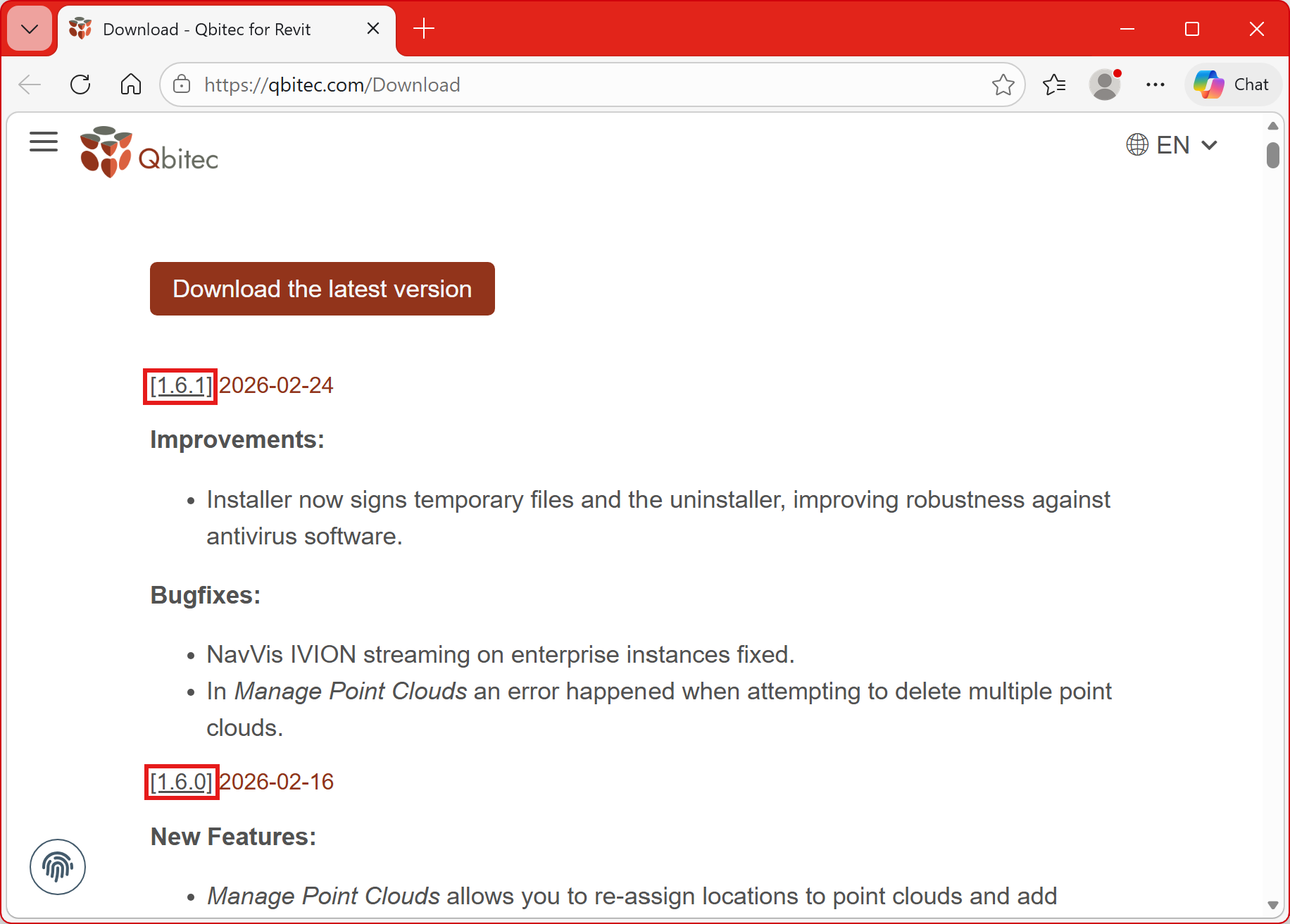
Installing Updates
Updating the plugin
We continuously add new features and enhance the quality of our plugin. If a red dot appears on the Config/License button in the Qbitec ribbon inside Revit, a newer version of the plugin is available for download.
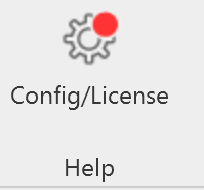
Click on the Config/License button to view more information about the new version. A link to the download location is also provided there.
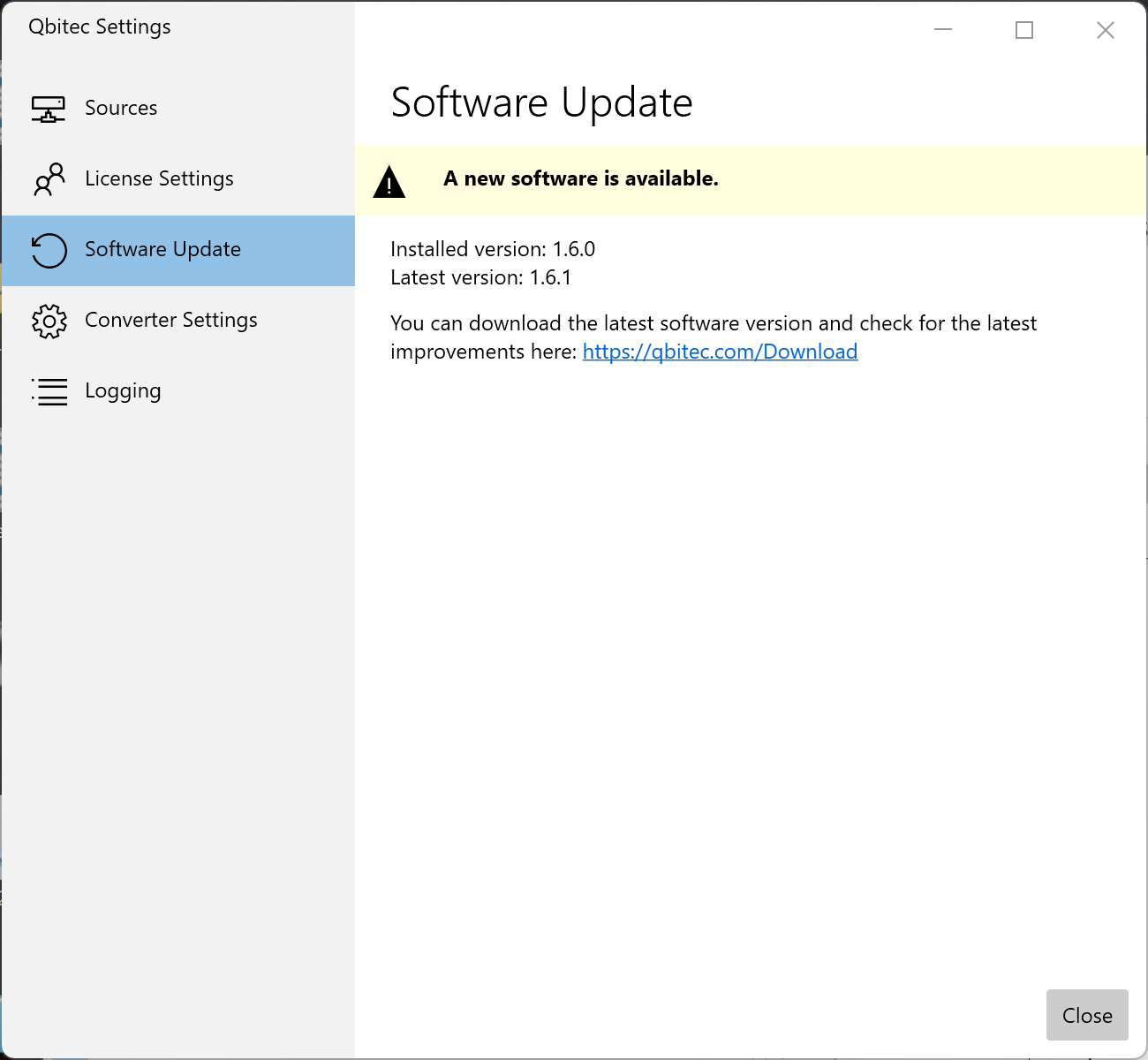
Before installing the newest version, Revit must be closed. The installer will first uninstall the existing version and then install the new one.
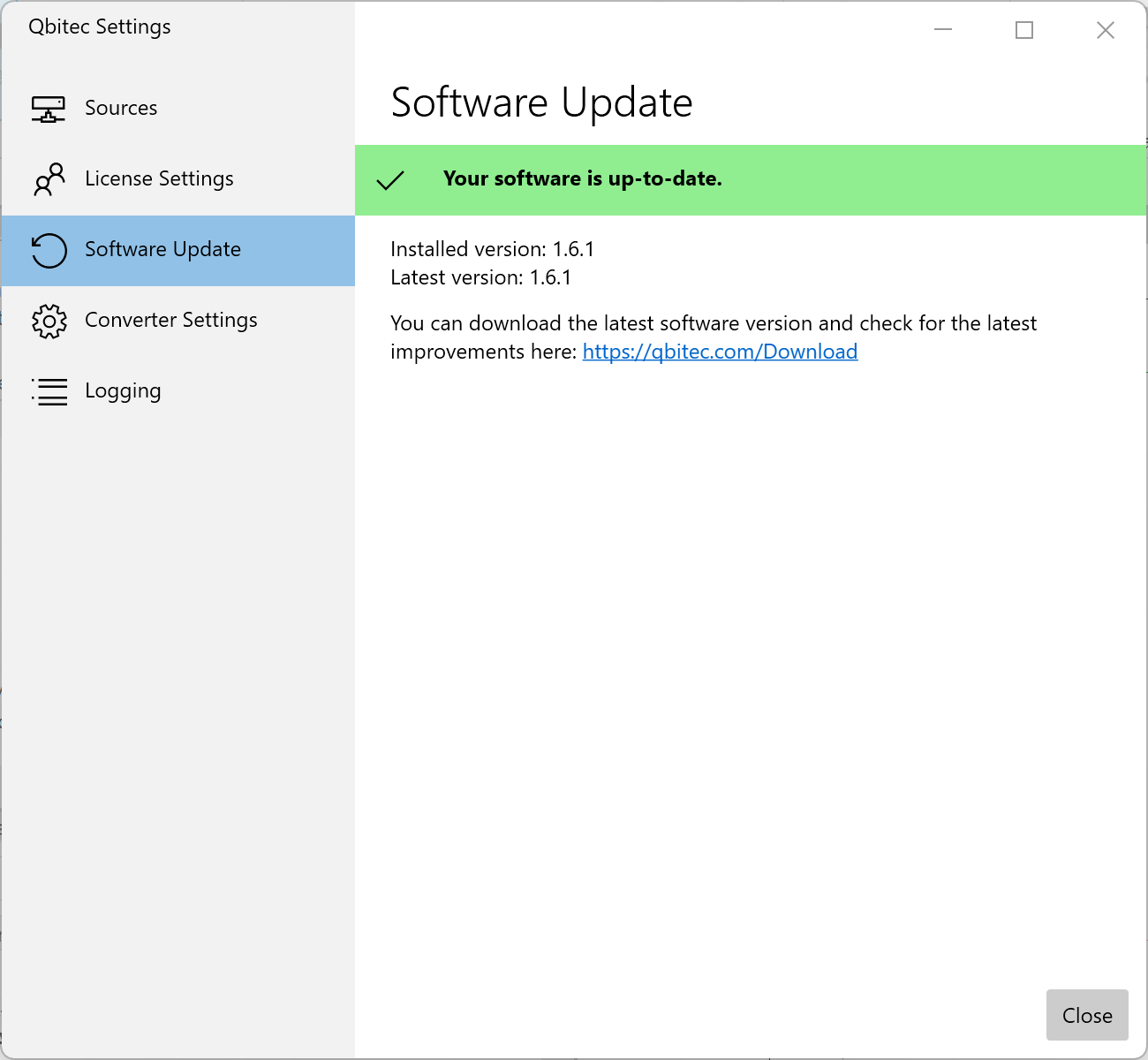
After the installation is complete, the red dot on the Config/License button will disappear, and the Qbitec Settings dialog will confirm that the latest available version is installed.
We make every effort to ensure that our software becomes more reliable, stable, and capable with each new release. However, despite extensive testing, it is possible that a bug may occasionally be introduced, particularly in versions that include significant new functionality.
If you encounter such an issue, please report it to us promptly at support@qbitec.com so that we can investigate and resolve the problem as quickly as possible.
If a rollback to an earlier version becomes necessary, the corresponding installers are also available on our download page. The download link can be found under the respective version number.