
Data Sources
Before inserting your first point cloud into an Autodesk Revit document using the Qbitec Revit Plugin, you must first configure a data source.
A data source can be a local folder or a network drive path that contains the point clouds to be inserted. Alternatively, it may be a remote source such as NavVis IVION.
If no data source has been configured yet and you click the Insert Point Cloud button in the Qbitec Ribbon, the Insert Point Cloud window will notify you that a new source must be created before a point cloud can be inserted.
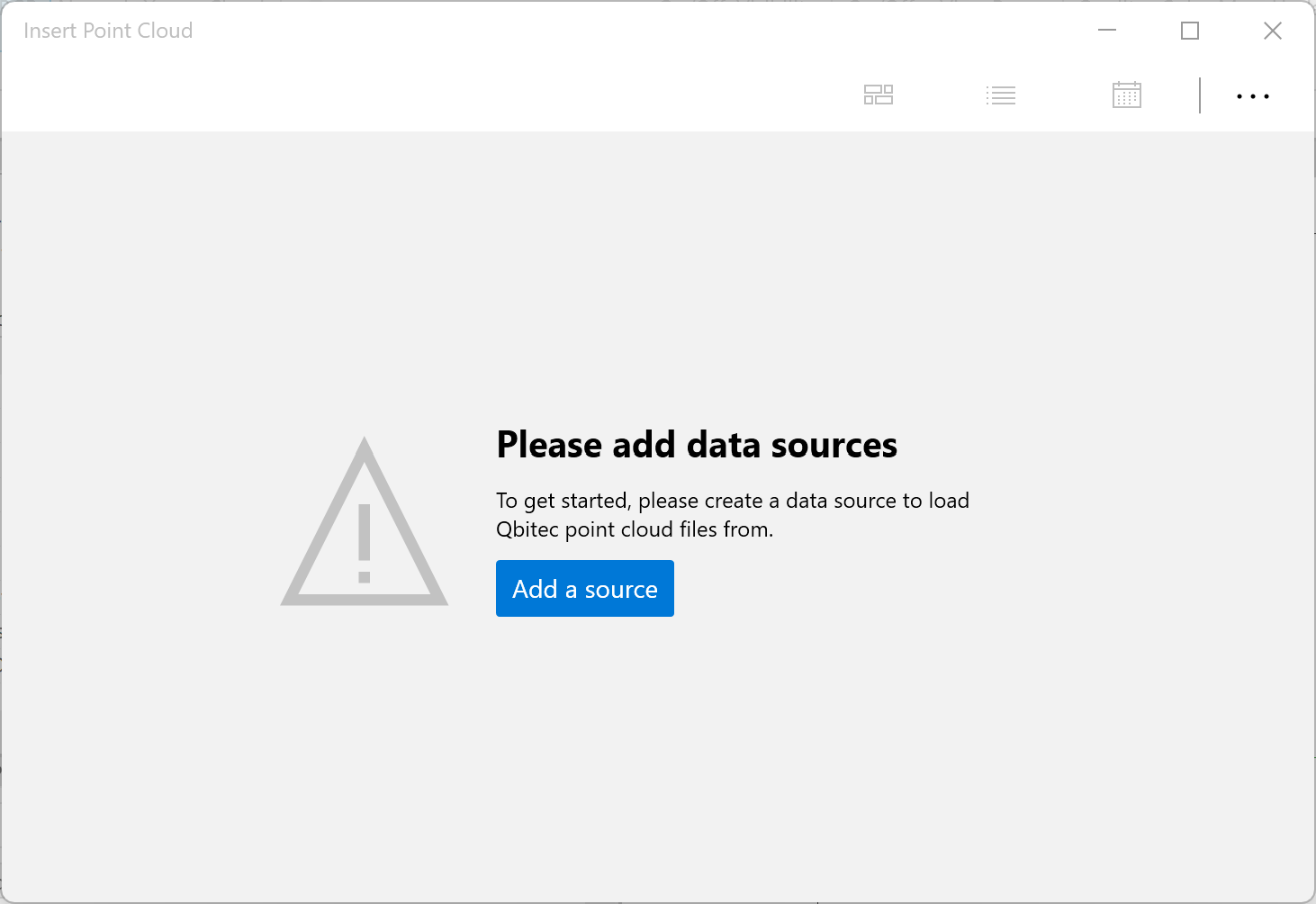
Click on the Add a source button to configure your first data source.