Point Cloud Color Modes
Point Cloud Color Selector
To switch between the different types of point cloud rendering you can use the Color Mode Selector inside the Qbitec ribbon:
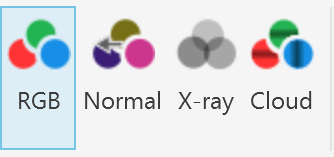
There you can choose between RGB, Normal, X-ray and Cloud based rendering.
RGB
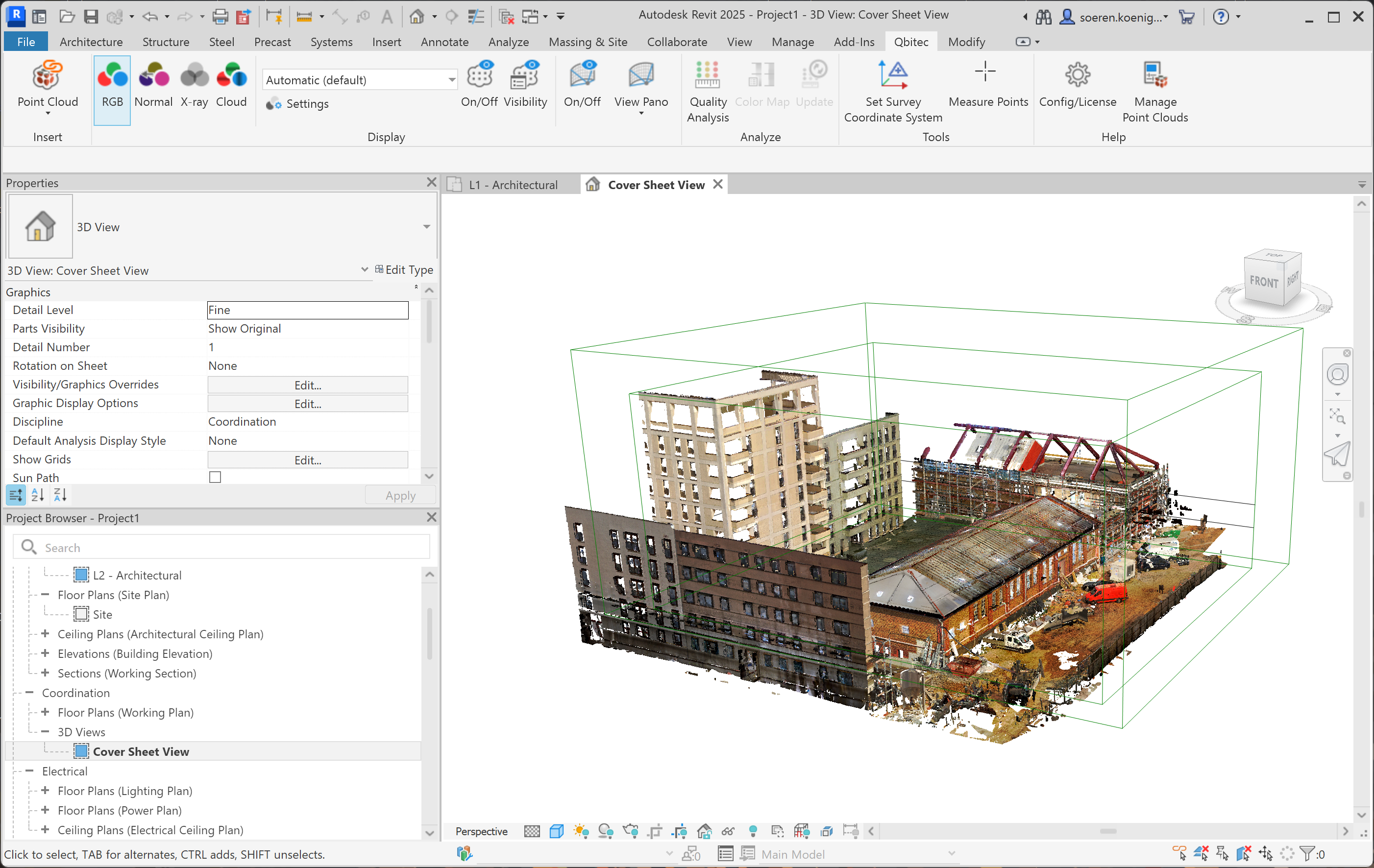
RGB colorization assigns each LiDAR point a color derived from camera imagery or another optical sensor. The colors represent the visual appearance of the scene, not only its geometry. This provides several advantages.
RGB values contain information about material and appearance. This makes it easier to distinguish objects that may have similar geometry but different visual properties (e.g., road vs. grass, building facade vs. window).
RGB-colored point clouds look similar to the real scene. This improves interpretability for humans.
If color is not available this mode tries to fall back to an intensity based shading of the point cloud.
Normal
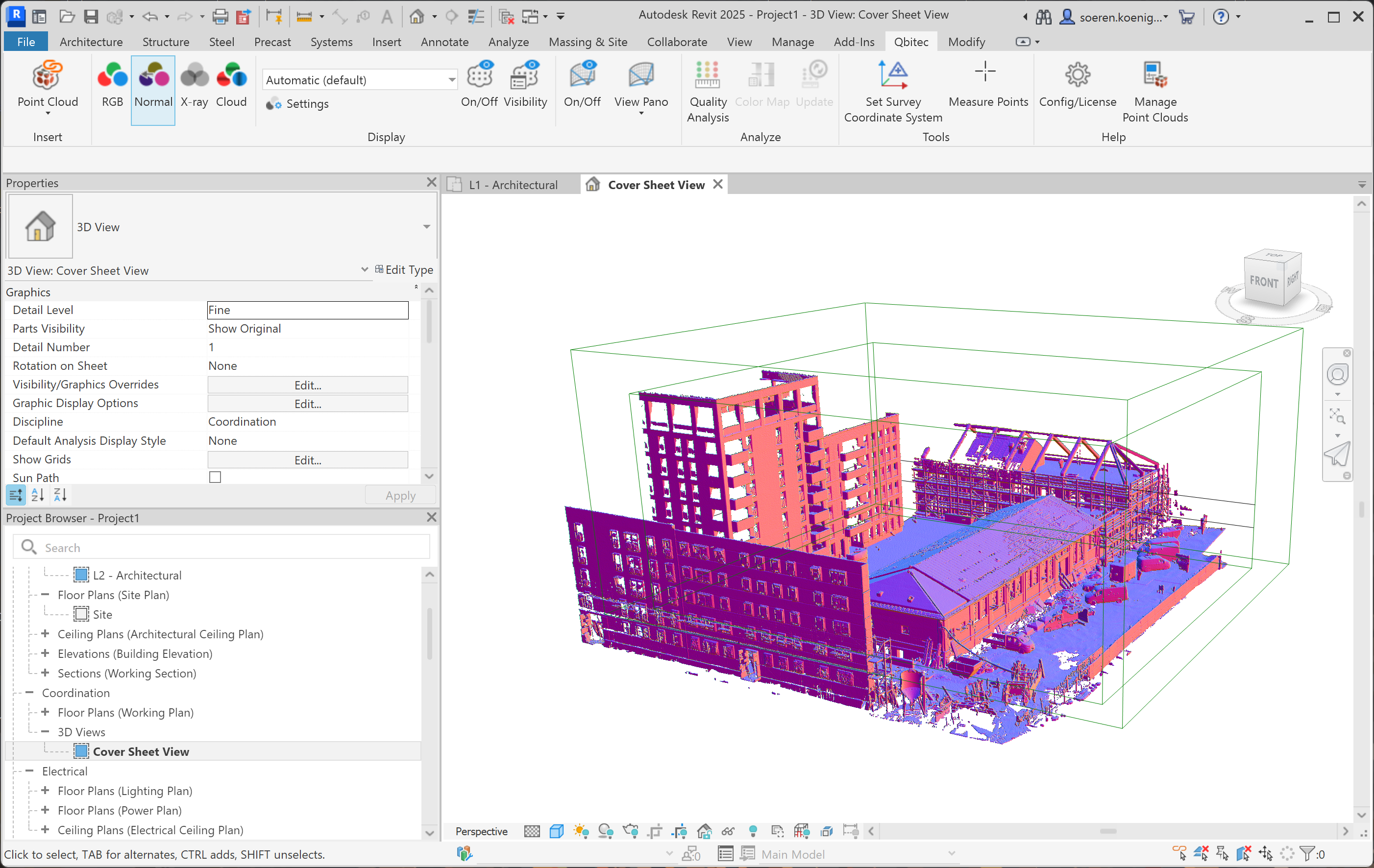
Normal-based colorization assigns colors to points according to the surface normal vector estimated at each point.
Coloring by normals highlights changes in surface orientation. Edges, corners, ridges, and planar regions become visually distinct, making the geometric structure of the point cloud easier to interpret.
Unlike RGB colorization from images, normal-based coloring depends only on geometry. It therefore works reliably in scenes where texture, lighting, or camera alignment is poor or unavailable.
In structured environments (urban scenes, buildings, indoor scans), surfaces like floors, walls, and ceilings typically have consistent normals. Coloring by normals quickly reveals these dominant planes.
X-Ray
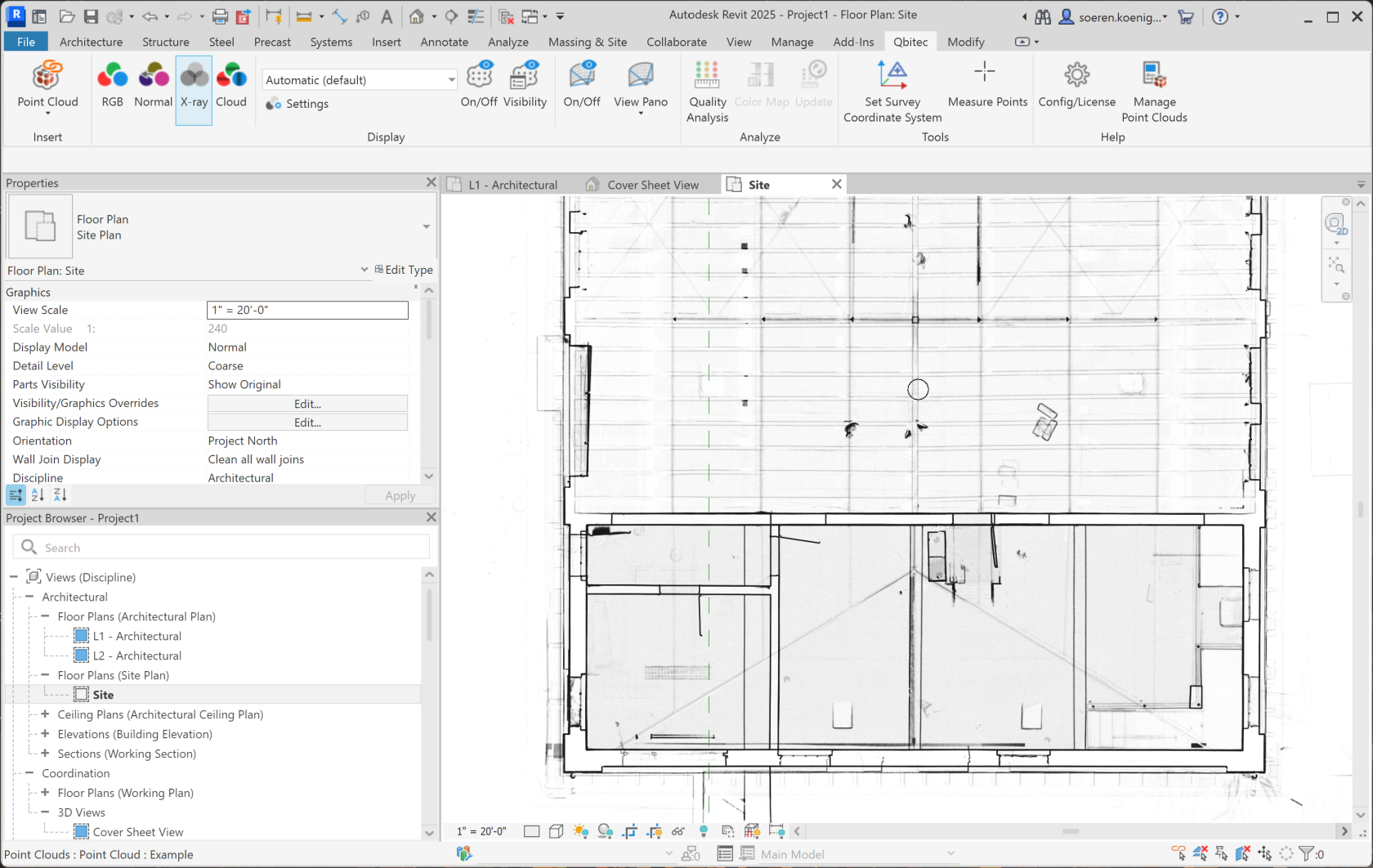
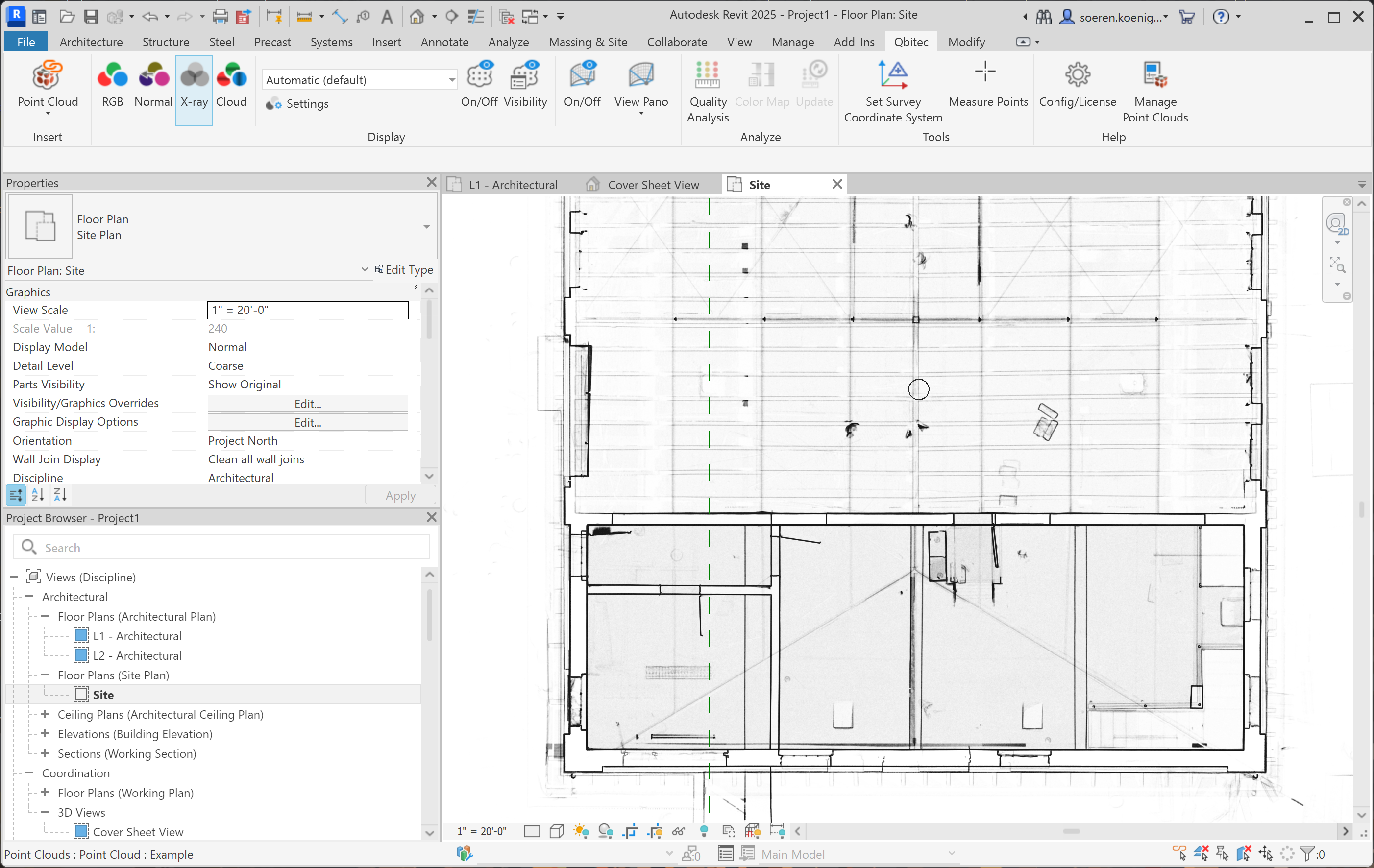
The X-ray rendering mode is particularly useful in orthographic projections like top or side views, because it reveals structural elements like floors, walls, door openings, windows, corridors or stairwells of buildings in a way that resembles a floor plan.
It also helps to locate panorama image symbols more easily, since the X-ray rendering prevents them from being hidden behind walls or other geometry, keeping them visible in the orthographic view.
Cloud
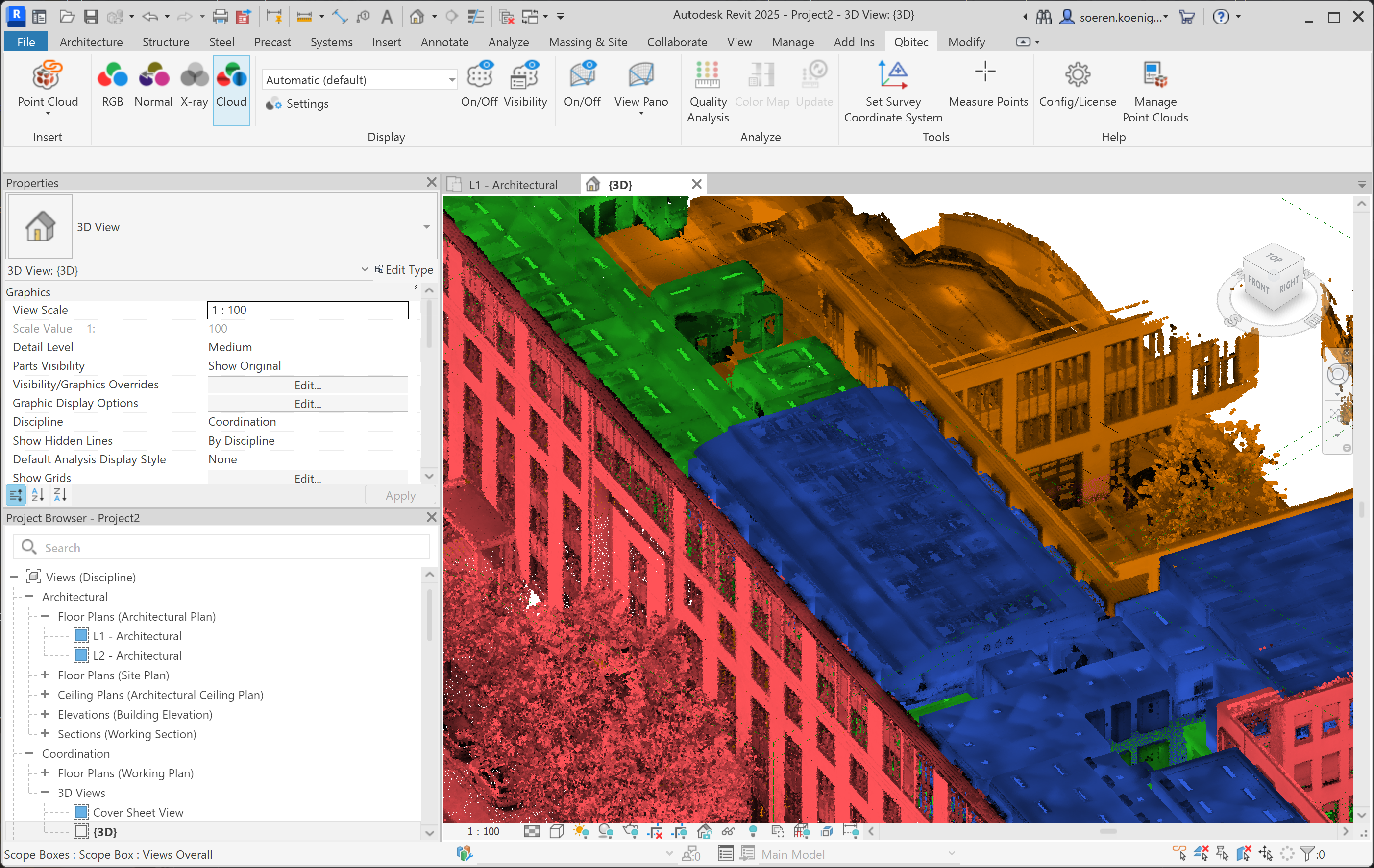
In the cloud-based color mode, each individual point cloud (e.g., each scan or dataset) is displayed in a distinct, user-configurable color. The color represents the source point cloud the points belong to.